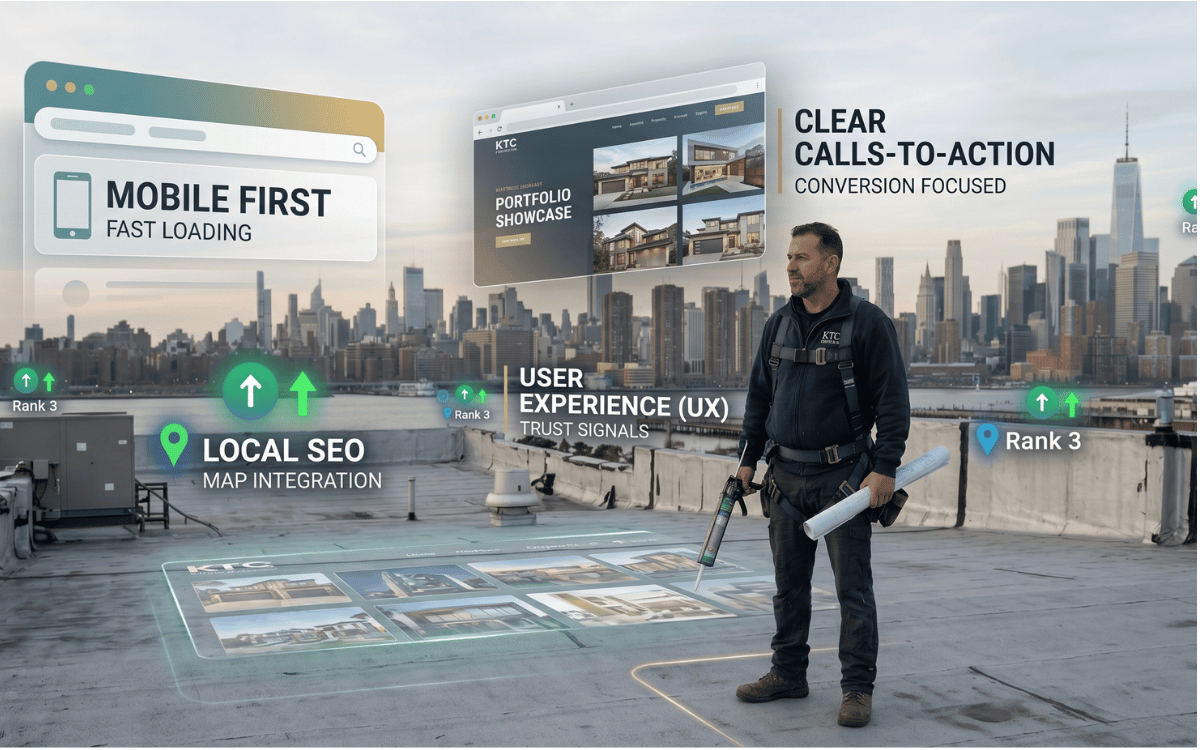
The short answer: ranking a contracting business on Google Maps comes down to 25 jobs in four groups:
- Phase 1: Foundation and claiming the profile
- Phase 2: Your name, address and phone (NAP) and citations
- Phase 3: Content, photos and weekly activity
- Phase 4: Reviews and trust
Most calls from a Google search go to the three businesses shown on the map, the Google Maps 3-Pack. Google ranks those results on relevance, distance and prominence, and there's no way to pay for a better local ranking (Google Business Profile Help). You can't move your office, but relevance and prominence are work you can do.
This is the checklist we work through when we take on a contractor's Google Business Profile, whether the trade is HVAC, plumbing, remodeling, epoxy and concrete coating or roofing.
Phase 1: Foundation and claiming the profile
1. Claim your profile
Search for your business on Google and claim it, or find it in your Business Profile dashboard. If a former employee or an old agency controls it, request access. You want to be the owner, with anyone else added as a manager.
2. Use your real business name
Enter the name exactly as it appears on your paperwork and your trucks. Adding keywords, as in “Smith Plumbing & 24/7 Drain Cleaning”, breaks Google's rules and can get a profile suspended (Google's guidelines).
3. Pick the most specific primary category
Choose Roofing Contractor, not General Contractor, if roofing is your main trade. Your primary category is one of the strongest relevance signals you control, so pick the one that matches the jobs you want most.
4. Add secondary categories for work you actually do
A roofer who also does gutters can add Gutter Cleaning Service; a plumber who also installs AC can add HVAC Contractor. Leave out categories for work you don't want calls for.
5. Set your service area
If customers don't come to your address, hide it and list the towns and counties you serve, up to 20. The service area tells customers where you'll come; your ranking still depends mostly on relevance and prominence.
6. Get verified
Google often asks for a video: one continuous recording that shows your location or a branded vehicle, your tools or equipment, and something that proves you run the business. A profile has to be verified before it shows reliably on the map.
Phase 2: Your name, address and phone, and citations
7. Find your existing listings
Search for every old phone number, address and business name you've ever used. Conflicting details across the web confuse customers and weaken the signals Google reads.
8. Make your name, address and phone match everywhere
Pick one exact format, “Avenue” or “Ave”, one main number, and use it on your website, your Google profile and every directory.
9. Correct the main data aggregators
Data Axle and Foursquare feed many smaller directories, so correct details there spread further than fixing listings one by one.
10. Claim Apple Maps
Apple Business Connect controls how you appear in Apple Maps and to Siri. Keep it identical to your Google profile.
11. Claim Bing Places and Yelp
Bing Places can import your Google profile in a few minutes. Yelp is still where many homeowners check a contractor, so claim it and keep the details consistent.
12. Add the trade directories that matter
Houzz, Porch, BuildZoom, the Better Business Bureau, your local chamber of commerce, and the dealer locator of any manufacturer you're certified with. They're relevant citations for a contractor, and homeowners do check some of them.
13. Remove duplicate listings
If an old partner or a previous address created a second profile, ask Google to merge or remove it. Duplicates split your reviews and confuse customers.
Want this checked for you? Get my free audit. Within one business day you'll have a video comparing your Google profile with the three companies above you, and three fixes you can make yourself.
Phase 3: Content, photos and weekly activity
14. Upload new job photos every week
Add real photos of your trucks, crews and finished jobs every week, each with a short description of the job and the town. Skip geotagging tools: Google removes most photo metadata on upload, so steady, genuine photos are what count.
15. Post a short update every week
Use the Updates feature once a week: a finished job, a seasonal tip or an offer, with a real photo. It keeps the profile active and gives searchers one more reason to call you.
16. Write a plain business description
Use the 750 characters to say what you do, where you do it and what you're known for, the way you'd explain it to a neighbor. No links, no prices and no all-caps offers.
17. Add an appointment link to your estimate form
Your profile can carry an appointment link. Point it at your estimate form or booking page, so a customer who's ready can book without waiting for a callback.
18. Keep your hours and holiday hours accurate
Searchers see “Open” or “Closed” next to your name. Wrong hours lose calls, so set holiday hours before every holiday and update the profile when your hours change.
19. List every service with a description
Build out the Services section with every job you want, each with a short description, such as “tankless water heater installation” or “architectural shingle roof replacement”. Add a starting price where you're comfortable doing so.
Phase 4: Reviews and trust
20. Ask for a review after every job
Ask by text to customers who agreed to texts and by email to the rest, with one reminder. A steady flow of reviews matters more than a burst. Never offer anything in return and never suggest what to write: Google removes incentivized reviews (Maps content policy).
21. Reply to every review within two days
Thank good reviews in plain words and mention the job and the town where it fits, such as “Thanks for letting us fix the roof leak in Merrick”. Answer bad reviews calmly, once, with what you did about it.
22. Report fake reviews and fake listings
If a competitor's profile is full of obvious fake reviews or uses a fake address, report it from Google Maps or with Google's Business Redressal Complaint Form. Report it; don't retaliate.
23. Ask customers to add a photo
A review with a photo of the finished floor, roof or bathroom convinces the next customer better than stars alone. Mention it in your review request.
24. Match your website to your profile
Your website's name, address, phone and hours should match the profile exactly. The profile's website link should go to your homepage or the matching town page, and LocalBusiness schema on the site should carry the same details. Our contractor website tips cover the pages themselves.
25. Automate the review requests
Tired crews forget to ask at 5 pm on a Friday. Have your CRM send the review request when the job is marked complete, by text or email as above. That's part of our AI follow-up.
Questions about Google Maps rankings
How long does it take a contractor to rank on Google Maps?
Maps positions usually start to move in 60 to 90 days, longer in a busy county or a crowded trade. Nobody can promise a date; a good agency puts milestones in your agreement instead.
Do I need a physical address to rank as a service area business?
You need a real address to verify the profile, but a service area business can hide it from the public. Plumbers, roofers and HVAC companies usually set up their profiles this way.
Why did my Google Business Profile get suspended?
The common reasons are keywords stuffed into the business name, more than one profile at the same address, or a virtual office address. Getting reinstated usually means an appeal with proof such as a business license or a utility bill.
See where you stand on the map
Send your business name, trade and county. Within one business day you'll get a video and a written list: your Google profile against the three companies above you, your site on a phone, what happens when someone calls after hours, and three fixes you can make yourself. No sales call; it comes by email.